
Artist Cleanup
You can find Artist Cleanup in the sidebar under Quick Fixes
Artist Cleanup is a tool very similar to Genre Cleanup, it allows you to very quickly consolidate your artists.
Usage
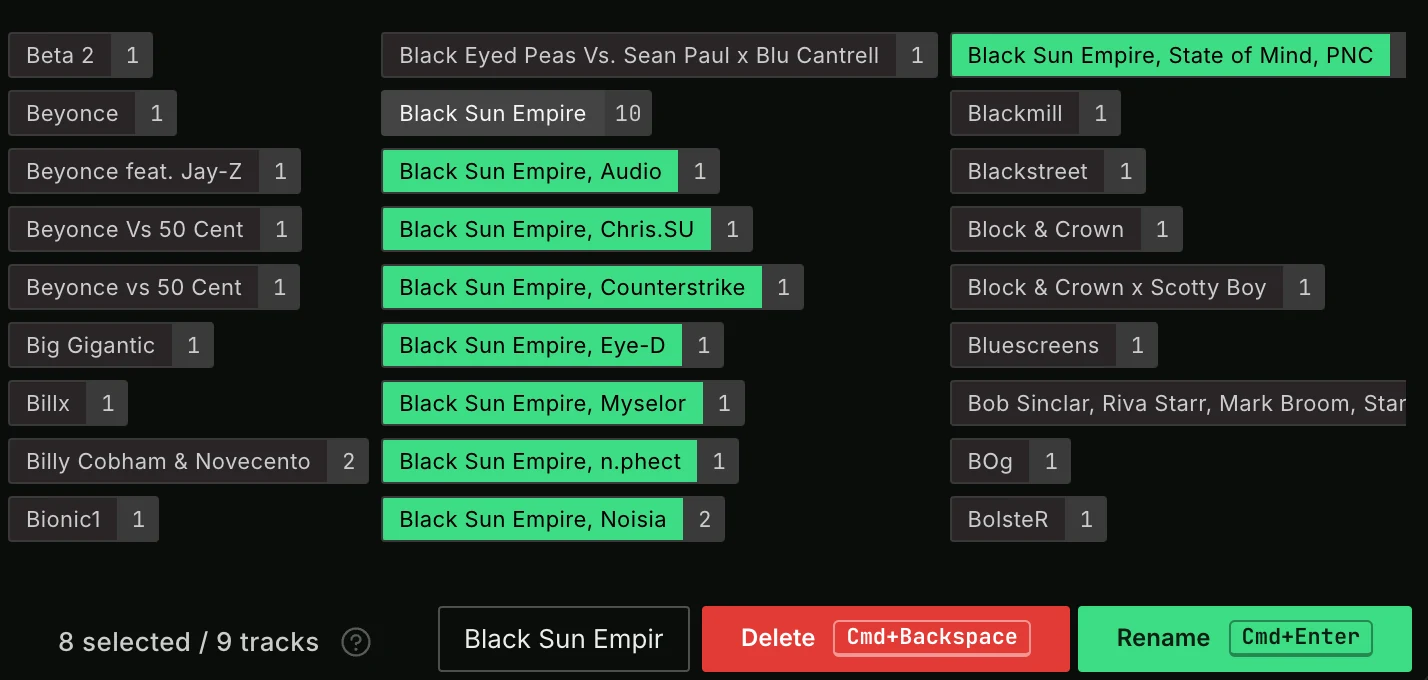
Select any artists that you want to consolidate into one artist. Type that artist (or SHIFT+click any artist) in the New artist field. When you save, all tracks with one of the selected artists will get changed to the new artist.
You can use SHIFT+Click on any artist to auto-fill that artist as new artist.
While artists are selected, the New artist label changes to how many you selected and how many tracks they are on, for example 3 selected / 188 tracks. A track with two of the selected artists counts once. So you know how many tracks a rename or delete will change.
ALT+Click (OPTION+Click on macOS) any artist to see its tracks in the Sidepanel. The sidepanel opens if it is closed.
After a rename or delete, the notification has an Undo button that reverts it, and Details shows what changed. See Undo History.
Letter bar
The bar with the letters # and A to Z jumps to the artists of that letter when you click one. Letters without any artists are dimmed.
Lock Artist
You can lock artists by right clicking them. This prevents selection so they won't accidentally change. Locked artists can be found quicker in the "New artist" autocomplete so you won't easily pick the wrong artist there. A recommendation is to start by locking all your proper artist names so cleaning them up will be quicker after that.
Pin Letter
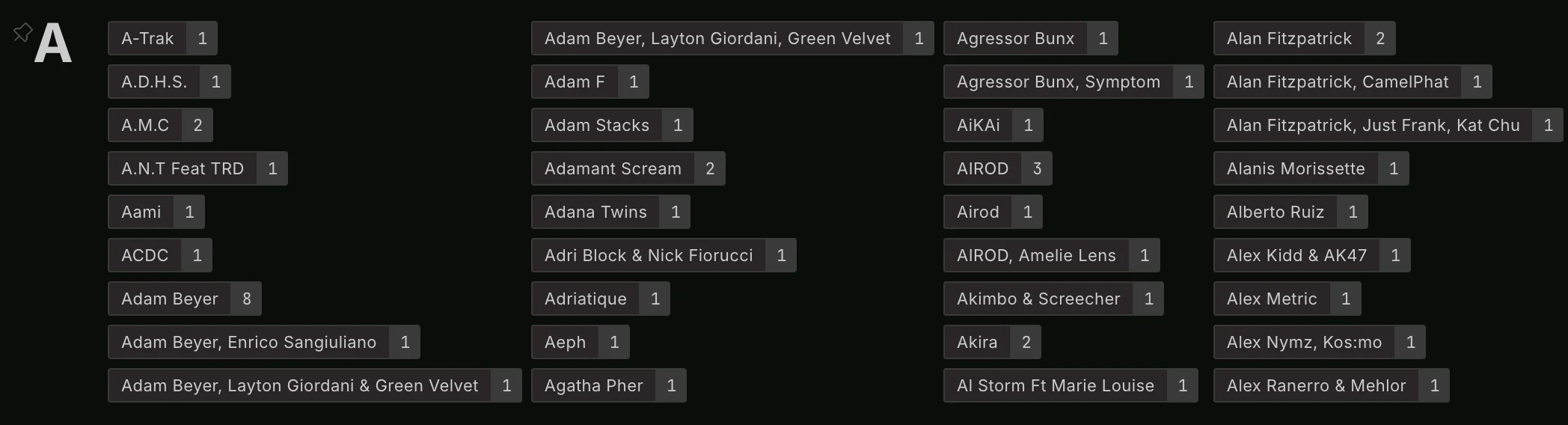
A letter with many artists has a pin icon next to it. Click it to pin the letter so you can scroll it vertically, this makes it easier to navigate. This is remembered between sessions so you can easily continue later.
Cleanup Options
Press Cleanup Options to choose which fields are used. By default, only artists from the Artist field are used. You can enable different fields here, like Remixer, Producer, Composer and Lyricist. Enabling one of these fields will also update those fields when renaming an artist.
With Sort artists you can sort the artists in the Artist Cleanup screen alphabetically or by amount of tracks each artist has.