
Remove Number Prefix
This removes number prefixes from titles such as 01. Get Lucky or (01) Get Lucky and turns it into Get Lucky.
Using Smart Fixes
You can find Smart Fixes in the sidebar under Quick Fixes
The Smart Fixes page lists every smart fix. Each one shows how many tracks it found the last time it scanned, so you can see at a glance which fixes have work to do.
Click a smart fix to open it in the list. It shows its options and an example of what it changes. One smart fix is open at a time.
The bar at the bottom of the page scans with the smart fix that is open. Choose All Tracks to scan your whole library, or Selected Playlist(s) to scan only the playlists you select in the playlist panel, then click Scan. The Scan button stays disabled until the open fix's required options are filled in and, with Selected Playlist(s), at least one playlist is selected. The bar says why.
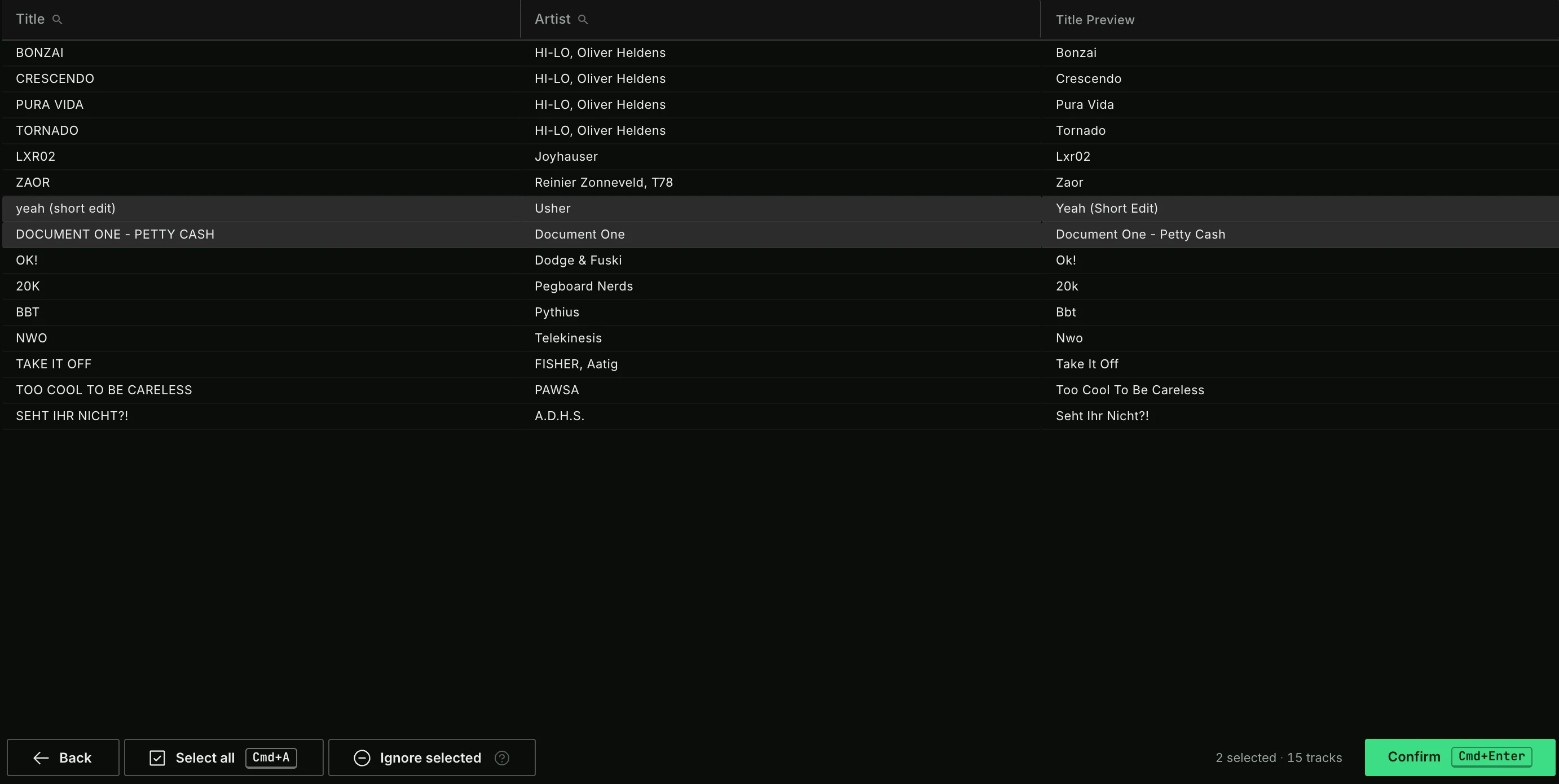
After the scan, select the tracks you want to fix. You can edit the preview before you press Confirm. Use Ignore selected to leave tracks out of this smart fix, also in future scans. You can reset ignored tracks in the Lexicon settings.
Click Smart Fixes in the sidebar at any time to go back to the list of smart fixes.