
Lexicon is a desktop library manager. It is not a DJ mixer or performance application; you don't play your sets inside Lexicon. Instead, you use Lexicon to organise and prepare your music library and then sync your library to your preferred DJ software when it's time to mix. By keeping all preparation tasks in one place, Lexicon becomes the backbone of your workflow while letting you choose whichever DJ app you prefer for performance.
Why use Lexicon?
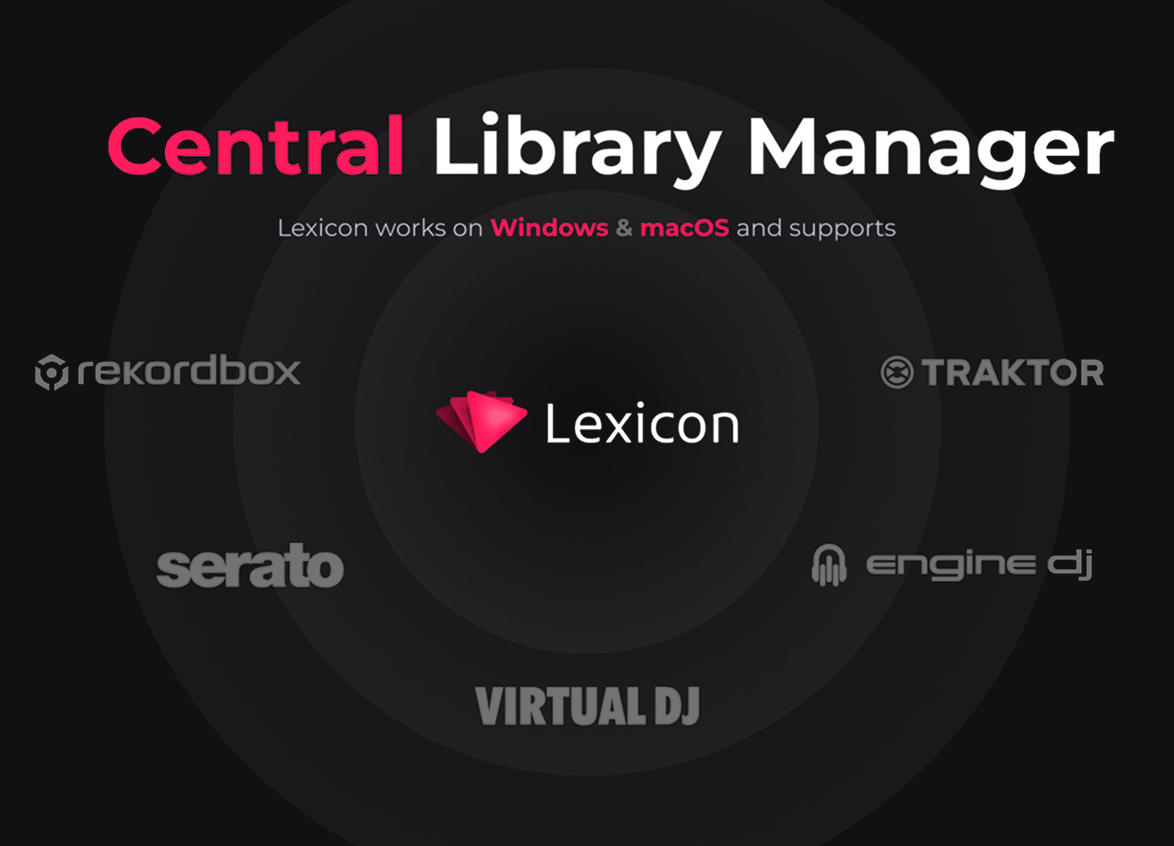
Lexicon is designed as a central library manager - you manage all your tracks and playlists in one place instead of juggling multiple DJ apps or iTunes. Instead of the old workflow where DJs relied on iTunes for library management and then added cue points in multiple DJ apps, Lexicon brings all these tasks into a single environment. The old approach had major drawbacks: playlists could not be shared back to iTunes, and iTunes lacked DJ-specific tools. Lexicon solves this by letting you prepare your music in a dedicated library and then synchronises it with whichever DJ application you use. You no longer have to keep multiple libraries in sync manually.
In addition to acting as a hub, Lexicon provides powerful tools to help you manage and maintain your library. Built-in utilities can analyse your files, clean up metadata and even suggest fixes for inconsistencies, which means you spend less time troubleshooting and more time focusing on your sets.
Key concepts
To use Lexicon effectively, it helps to understand a few core terms:
Import vs sync: Import brings data from a DJ app into Lexicon. Use import when you first set up Lexicon or when you want to merge data from another DJ platform. Sync is a one-way export from Lexicon back to a DJ app. You prepare and manage your library in Lexicon, then sync to your preferred software to perform.
Library: Your Lexicon library contains metadata (tags, cues, playlists) about your tracks and stores it in a database.
Tracks vs files: Your tracks are visible and playable in Lexicon and hold your metadata, cues and beatgrids. The actual audio files live in folders on your hard drive. Your tracks have a file location so it knows where to look for them.
Recipes are sets of actions (such as copying a field or replacing text) that you can apply to multiple tracks simultaneously. Recipes work on an unlimited amount of tracks.
New DJ benefits
For new DJs, starting with Lexicon helps you establish good organisational habits early. Building and managing your music library properly from the beginning prevents frustration later when your collection grows to thousands of tracks. Good organisation habits simply makes it easier to find that special track during a performance and makes preparing for gigs quicker and less stressful.